What's New

Stay up to date with the latest features and improvements to Every.

v1.12.0

Client Booking Pages

Publish a booking page where clients can browse your services, pick a time, and pay — all self-service. Every booking auto-creates contacts, clients, and invoices in your account.

Self-service booking

Clients book appointments through your branded page at {slug}.every.ai

  • Clients pick a service, date, time slot, and fill in their details
  • Three payment options: free, pay at booking (Stripe), or card saved and charged before the appointment
  • Google Calendar integration blocks busy slots and creates events automatically
  • Automated confirmation, reminder (24h and 1h), cancellation, and reschedule emails
  • Clients can cancel or reschedule from a link in their confirmation email — no login needed
Client booking page showing available services

Built on your existing data

Bookings connect to your offerings, contacts, clients, and invoices

  • Select which of your existing offerings are bookable — with duration, pricing, and location
  • New bookers automatically become contacts and clients in your account
  • Paid bookings generate invoices marked as paid — your billing records stay complete
  • Schedule-later mode lets clients commit without picking a date, so you can schedule manually after

Your own subdomain

The start of a client-facing portal at {slug}.every.ai

  • Your booking page lives at a branded subdomain — the first step toward a full client portal
  • Customize with your business name, welcome message, and accent color
  • Set availability schedules, buffer times, and booking policies
  • More client-facing experiences coming to your subdomain soon
v1.11.0

New AI Credits & Custom Skills Builder

Thank you to all our early users for helping make Every better! We're rolling out a new pricing approach, with no change to the price of existing plans. This release brings a new AI credits system that shows exactly how Every is working for your business, plus the ability to teach Every custom skills.

AI Credits

A straightforward way to track and manage your AI usage across Every.

  • All plans include 10,000 monthly credits that reset automatically. Most users won't come close to hitting it.
  • Head to Settings -> Billing to see exactly where your credits go — a usage log breaks it down by feature (agent chat, client enrichment, PDF processing, etc.)
  • Need more? Buy extra credits in one click from $5 to $500 (they never expire), or upgrade to the 5x usage plan for higher monthly limits.
  • Every new account starts with 5,000 free credits — no payment info required. Enough to try the full agent experience before deciding.
AI Credits billing settings showing credit balance, usage log, and purchase options
Track your AI usage and buy extra credits from Settings -> Billing

Custom Skills Builder

Teach your agent how your business works.

  • Open Skills and click 'Create Skill' to start a conversation with the skill builder. Describe what you want — your invoicing process, your writing style, how you handle follow-ups — and the agent turns it into a reusable skill.
  • Toggle skills on and off from the Skills page. Edit anytime by clicking into a skill and describing what you'd like to change.
  • Your whole team shares the same skills, so the agent stays consistent across your org.
Custom Skills Builder page showing skill cards with toggle controls
Create and manage custom skills from the Skills page
v1.10.0

Pre-Built Skills & Mobile App Preview

Get started faster with 10+ ready-to-use skills for invoicing, expenses, meeting prep, and more — plus a first look at the Every mobile app.

10+ New Ready-to-Use Skills

Pre-built skills that handle common workflows so you can get value from the agent immediately.

  • 10+ new skills: Send Payment Reminders, Close Billing Period, Log Expenses from Email, Prep for Meetings, Find New Opportunities, Smart Invoicing, Weekly Business Review, Calendar Analysis, Gmail Analysis, Winning Proposals
  • Trigger skills directly from the chatbox by clicking the Skills button
  • Enable and manage skills from Agent Settings
Skills library showing 10+ ready-to-use skills
Browse and enable pre-built skills from the Skills library
Triggering a skill from the chatbox
Trigger skills directly from the chatbox

Coming Soon: Every for iOS (Beta)

Your agent, your clients, your invoices — all in your pocket.

  • Chat with your agent, review invoices, and manage your business on the go
  • Now in beta — reach out to hello@every.ai to get early access
Every mobile app preview
Preview of the Every mobile app for iOS
v1.9.0

Document Generation, Focus Mode & Agent Settings

Ask the agent to create PDFs and spreadsheets, expand the chat panel to focus on conversations, and manage your agent from one place.

PDF & Spreadsheet Generation

Ask the agent to create professional PDFs and Excel spreadsheets directly in chat.

  • Ask for a report, summary, or export and the agent builds a styled document for you
  • PDFs support headings, tables, bullet lists, and professional formatting
  • Spreadsheets support multiple sheets, formulas, and currency/percentage formatting
  • Files save to your Google Drive, or download via link if Drive isn't connected
Agent creating an invoice spreadsheet in chat
Ask the agent to create professional PDFs and Excel spreadsheets

Expandable Agent View

Expand the chat panel to focus on your conversation, or collapse it to see more of your workspace.

  • Click the panel toggle in the top nav to give the agent most of your screen
  • Collapse back to a sidebar when you need to focus on invoices, clients, or reports
  • Navigation reorganized into cleaner groups — payments, settings, and other pages are easier to find
  • Your layout preference is remembered between sessions
Expandable agent chat panel alongside an invoice
Expand the chat panel to focus on your conversation

New Agent Settings

Improved the place to manage everything about how your agent works.

  • See your business context, skills, automations, and integrations at a glance
  • Each section previews what's active with a link to manage details
  • Add business context through files, links, or Google Drive documents
  • Enable or disable skills, set up automations, and connect integrations — all from one page
Agent settings dashboard showing context, skills, automations, and integrations
Manage all agent configuration from one settings page
v1.8.0

Contacts: Your Prospecting Hub

A new Contacts page to track everyone in your network—future clients, past colleagues, warm leads. Import from Google and LinkedIn to get started.

Contacts Page

Keep track of everyone in your network, not just active clients.

  • Separate from Clients—Contacts are people you might work with someday
  • Search, filter, and organize your professional network
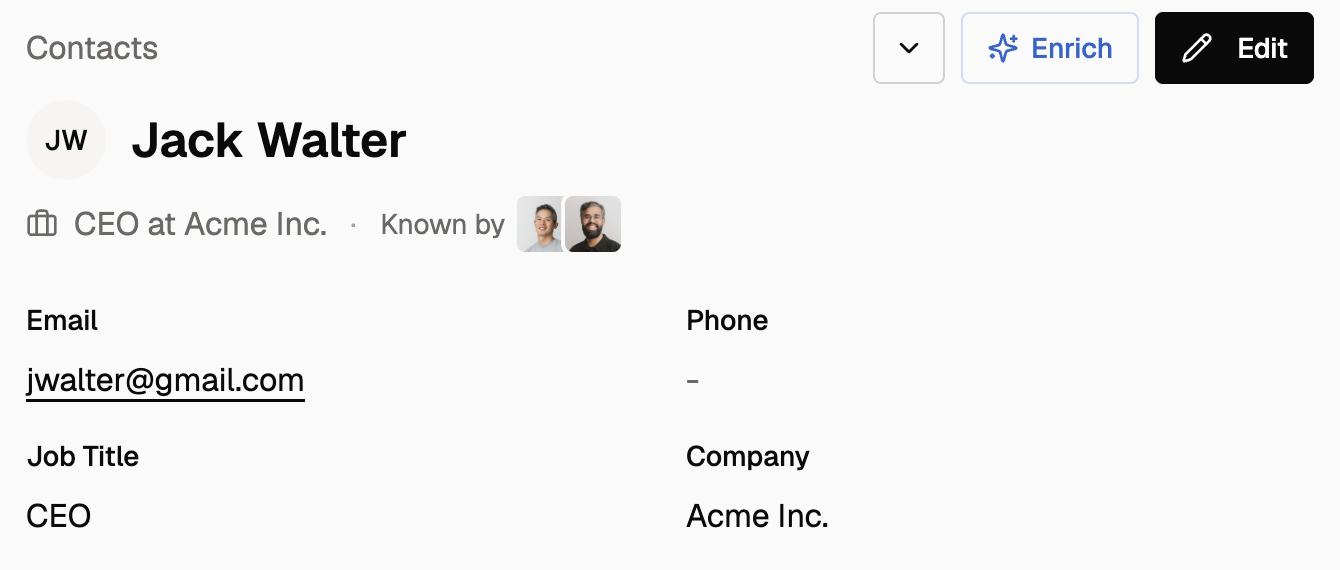
  • Enrich contacts with company info, social links, and job titles
  • When a contact becomes a client, link them in one click
Google contacts import
Import contacts from Google in one click

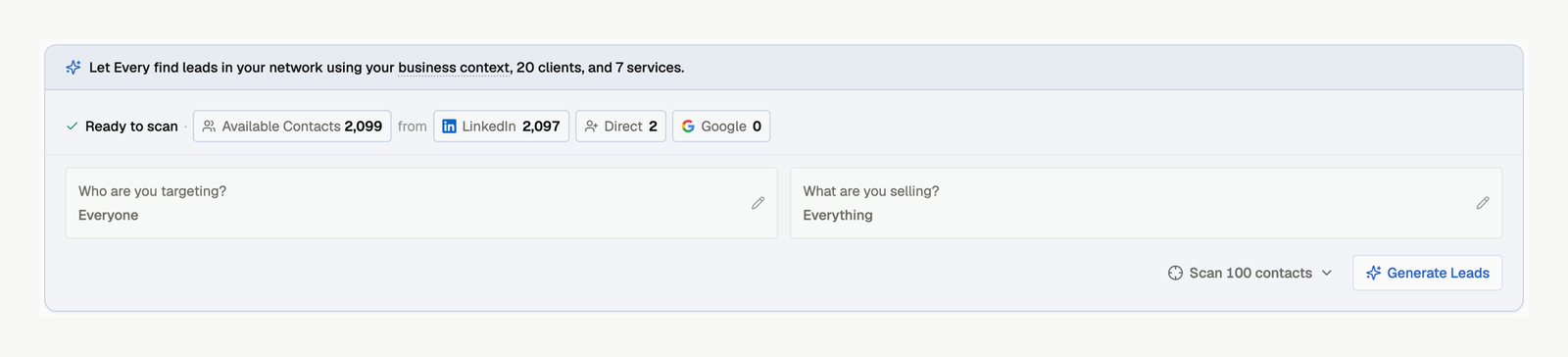
Import from Google & LinkedIn

Bring your existing network into Every.

  • Google Contacts: One-click import of your entire address book
  • LinkedIn: Upload your Connections.csv export file
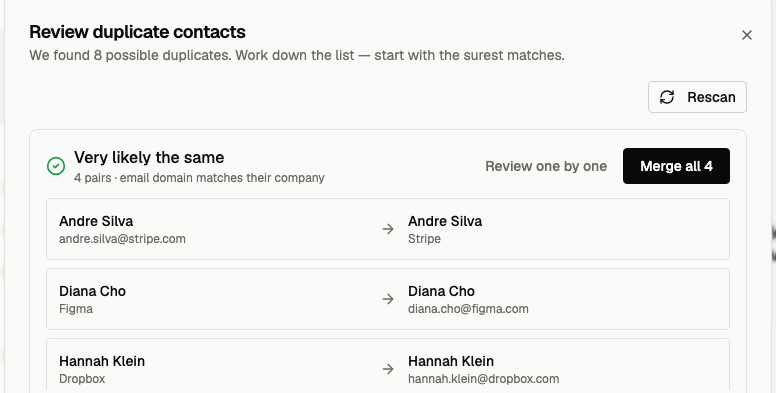
  • Automatic deduplication—contacts already in Every are skipped
  • Social links and job titles come along for the ride
LinkedIn contacts import preview
Preview your LinkedIn connections before importing

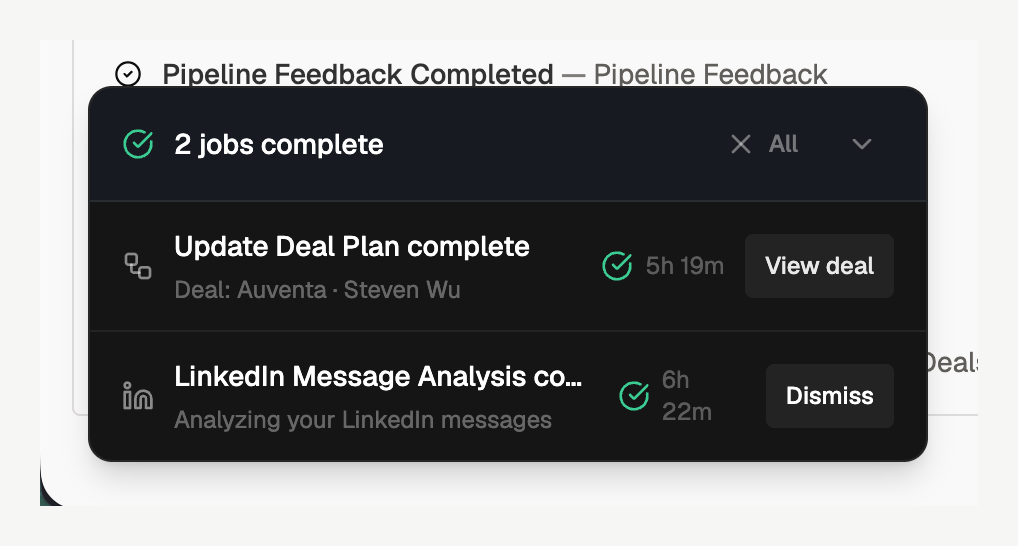
LinkedIn Message Analysis

Let AI summarize your history with each contact.

  • Upload your Messages.csv from the same LinkedIn export
  • Every analyzes your conversations and writes a relationship timeline
  • Notes appear on each contact so the agent knows your history
  • Example: 'Met at conference in 2023, discussed partnership in 2024'
LinkedIn messages AI summary
Upload messages to generate AI relationship summaries

Get Started

Request your LinkedIn data export to begin importing.

  • Go to linkedin.com/mypreferences/d/categories/privacy
  • Click 'Get a copy of your data'
  • Select 'Connections' and request archive (request 'Messages' separately for AI summaries)
  • Your download will be ready in about 24 hours
LinkedIn download data page
Request your data from LinkedIn's privacy settings

Granola Meeting Notes

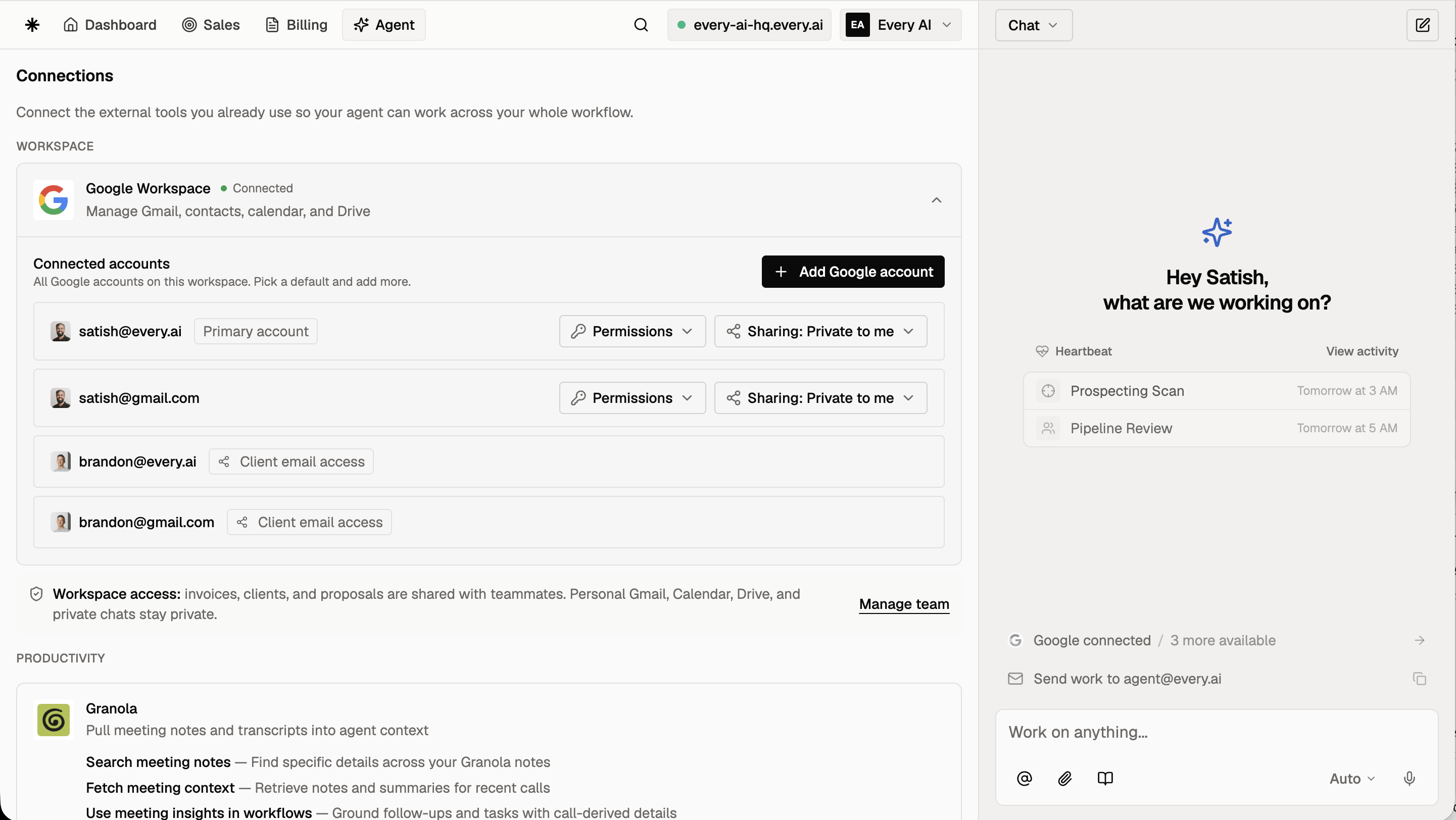
Connect your Granola account to search meetings, pull notes and transcripts, and chat about what was discussed — all through Every Agent. Use meeting context to draft follow-up emails, create invoices from discussed terms, or prep for recurring meetings. Connect in Settings -> Integrations.

Ready to get started with Every?

5,000 free AI credits

No credit card required