What's New

Stay up to date with the latest features and improvements to Every.

v1.7.0

Voice Input, Thinking Modes & Integrations

Talk to Every with your voice, choose how the agent thinks, connect Xero and HubSpot, and upload more file formats.

Voice Input for Chat

Record a voice message and Every transcribes it into text automatically.

  • Tap the microphone button in chat to start recording, tap again to stop and transcribe
  • Works on both web and mobile
Voice recording waveform in chat input
Record a voice message directly in chat

Thinking Modes

Control how the agent approaches your request.

  • Fast — quick responses for simple tasks
  • Balanced — the default, good for most requests
  • Smart & Slow — deeper reasoning for complex problems
  • Switch modes from the chat bar before sending a message
Fast thinking mode icon
Balanced thinking mode icon
Smart and Slow thinking mode icon

Xero & HubSpot Integrations

Connect your accounting and CRM tools so the agent can work with your real data.

  • Xero: Ask the agent to list invoices, look up contacts, pull financial reports, or sync invoices directly into Xero
  • HubSpot: Ask the agent to search contacts, look up companies, or check deal stages and pipeline values
  • Connect via OAuth from the Integrations page — tokens refresh automatically
Integrations page showing Xero and HubSpot connected
Connect Xero and HubSpot from the Integrations page

More Upload Formats

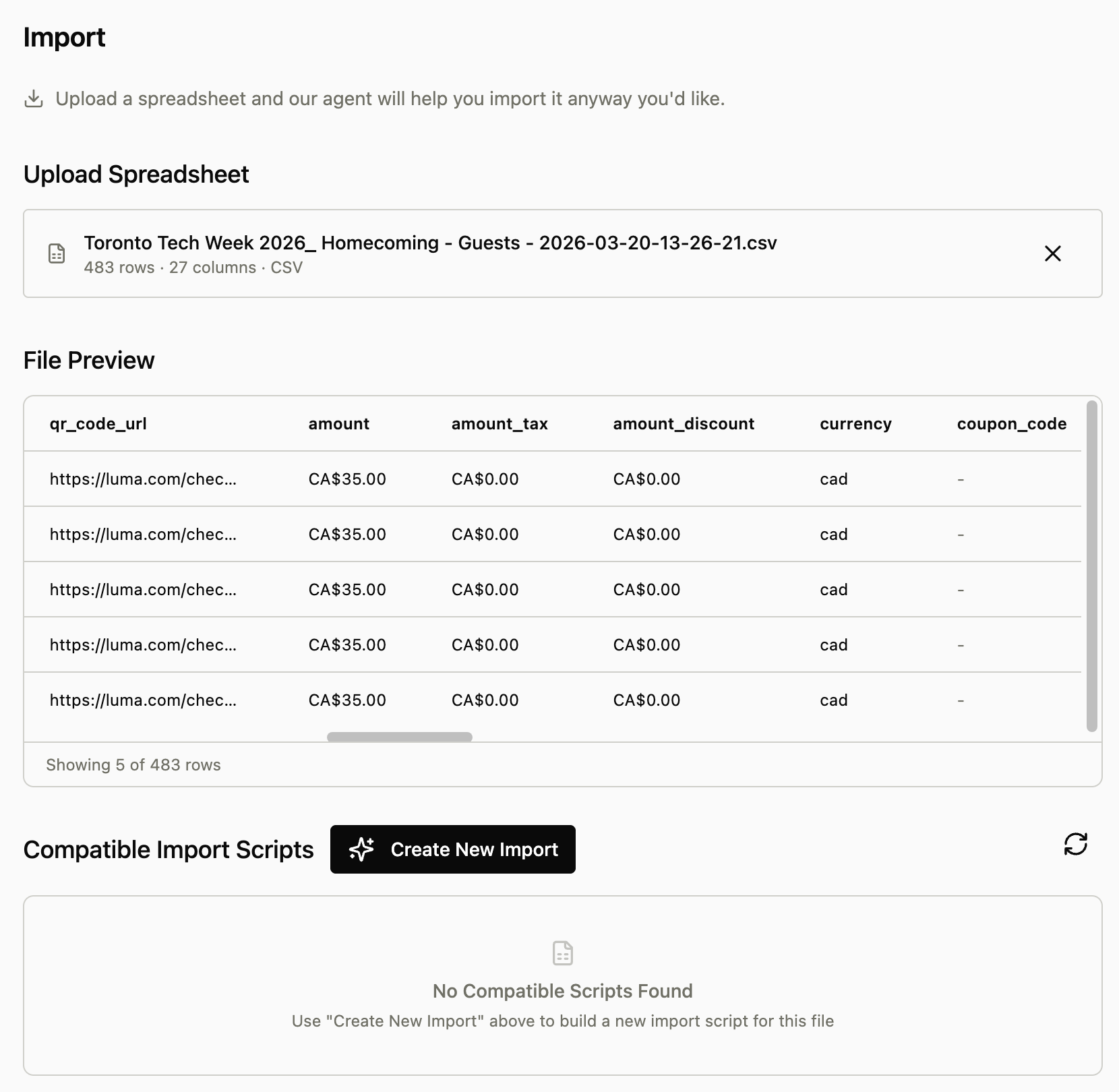
Upload spreadsheets and Word documents for the agent to analyze.

  • Now supports Excel files (.xlsx, .xls) and Word documents (.docx)
  • Upload a file and the agent will extract and read the contents so you can ask questions about it
v1.6.0

Agent Settings & Learned Preferences

Every now learns from your workflows and centralizes all agent configuration in one place. The agent watches for patterns in how you work, suggests preferences to save, and lets you reference specific entities with @ tags for more precise control.

Centralized Agent Settings Page

Manage all agent behavior, skills, tasks, and preferences from a single dedicated settings page.

  • Access all agent configuration in one place instead of scattered across the app
  • View and edit custom skills, active tasks, and learned preferences
  • Control which capabilities the agent has access to
Centralized Agent Settings page showing skills, tasks, and preferences tabs
New dedicated settings page for managing all agent configuration

Learned Preferences

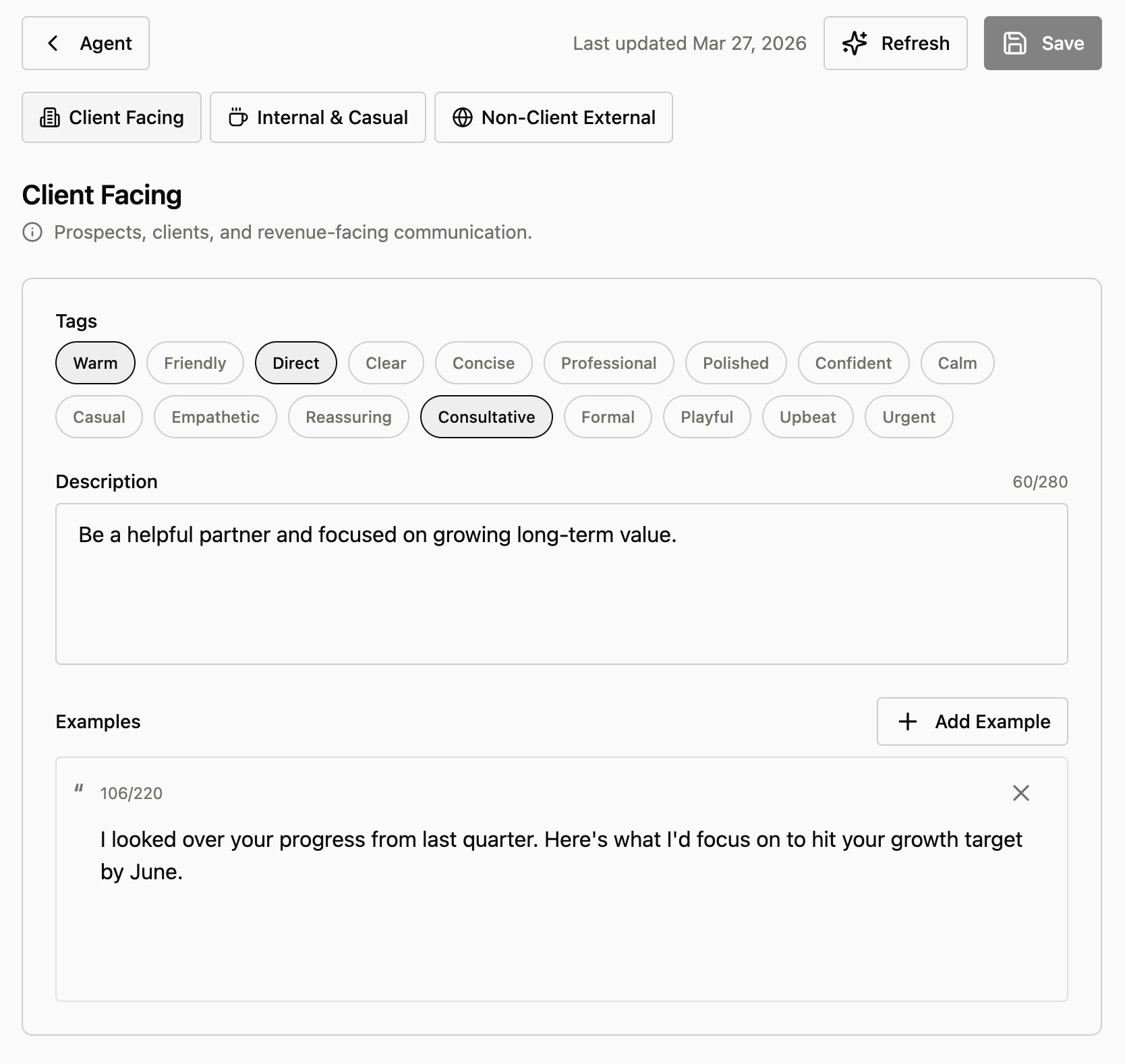
Every watches your workflows and suggests saving patterns as preferences for future tasks.

  • Agent detects specific nuances in how you work (like 'no tax on Brandon Chu Consulting invoices')
  • Prompts you to save these patterns as learned preferences
  • The more you use it, the smarter it becomes at anticipating your needs
  • Confirm, refine, or decline suggested preferences before they're saved
Learned preference confirmation dialog with options to save, refine, or decline
Agent suggests saving workflow patterns as learned preferences

@ Tag Entities

Reference specific clients, projects, or other entities with @ tags for more precise agent instructions.

  • Use @ mentions in skills, tasks, and preferences to specify exactly what you're referring to
  • Agent acts with more specificity when you tag entities (e.g., @Brandon Chu Consulting)
  • Works across all agent interactions for clearer communication
Chat interface showing @ tag entity reference for Brandon Chu Consulting
Use @ tags to reference specific entities for precise agent instructions
v1.5.0

Teach Every Custom Skills

Train Every to work exactly how you want. Create custom skills that teach your AI assistant your preferred writing style, business processes, or domain expertise—and it will apply them automatically.

Custom Skills

Create reusable instructions that guide how Every handles specific tasks. When you enable a skill, Every automatically applies that knowledge whenever relevant.

  • Write skills in plain language—describe your proposal structure, communication tone, or industry terminology
  • Toggle skills on and off from the chat bar to control when they're applied
  • Use 'Tweak with AI' to refine your skills with Every's help
  • Start from templates for common tasks like writing proposals or managing emails
Skills dropdown in chat input

Streamlined Chat Controls

Manage your skills and scheduled tasks directly from the chat input bar for faster access.

  • Click the book icon to view, toggle, and create skills
  • Click the clock icon to manage your scheduled automations
  • Enable or disable any skill or task with a single tap
Skill edit page
Scheduled tasks dropdown
v1.4.0

3x Faster Agent & Action Confirmations

Major infrastructure overhaul delivers dramatically faster agent responses, plus a new confirmation system ensures you're always in control of sensitive actions.

Confirmation Before Sensitive Actions

The agent now asks for your explicit approval before sending invoices, proposals, emails, or deleting data.

  • Sending invoices/proposals or deleting any item now requires explicit approval - anything you can't undo is explicitly controlled
  • 60-second timeout with clear countdown ensures nothing happens without your consent
  • Optional message field lets you provide context when denying an action
Confirmation dialog showing the agent asking for permission before sending an invoice
The agent now asks for your confirmation before performing sensitive actions like sending invoices

3x Faster Agent Responses

Agent responses are now up to 3x faster across all interactions.

  • Complete infrastructure overhaul with optimized streaming architecture
  • Background processing improvements for smoother conversations
  • Enhanced memory and context handling for quicker replies
v1.3.0

CSV Export & Streamlined Navigation

Export your invoice and expense data to popular accounting software with one-click presets, plus a reorganized navigation for easier access to data tools.

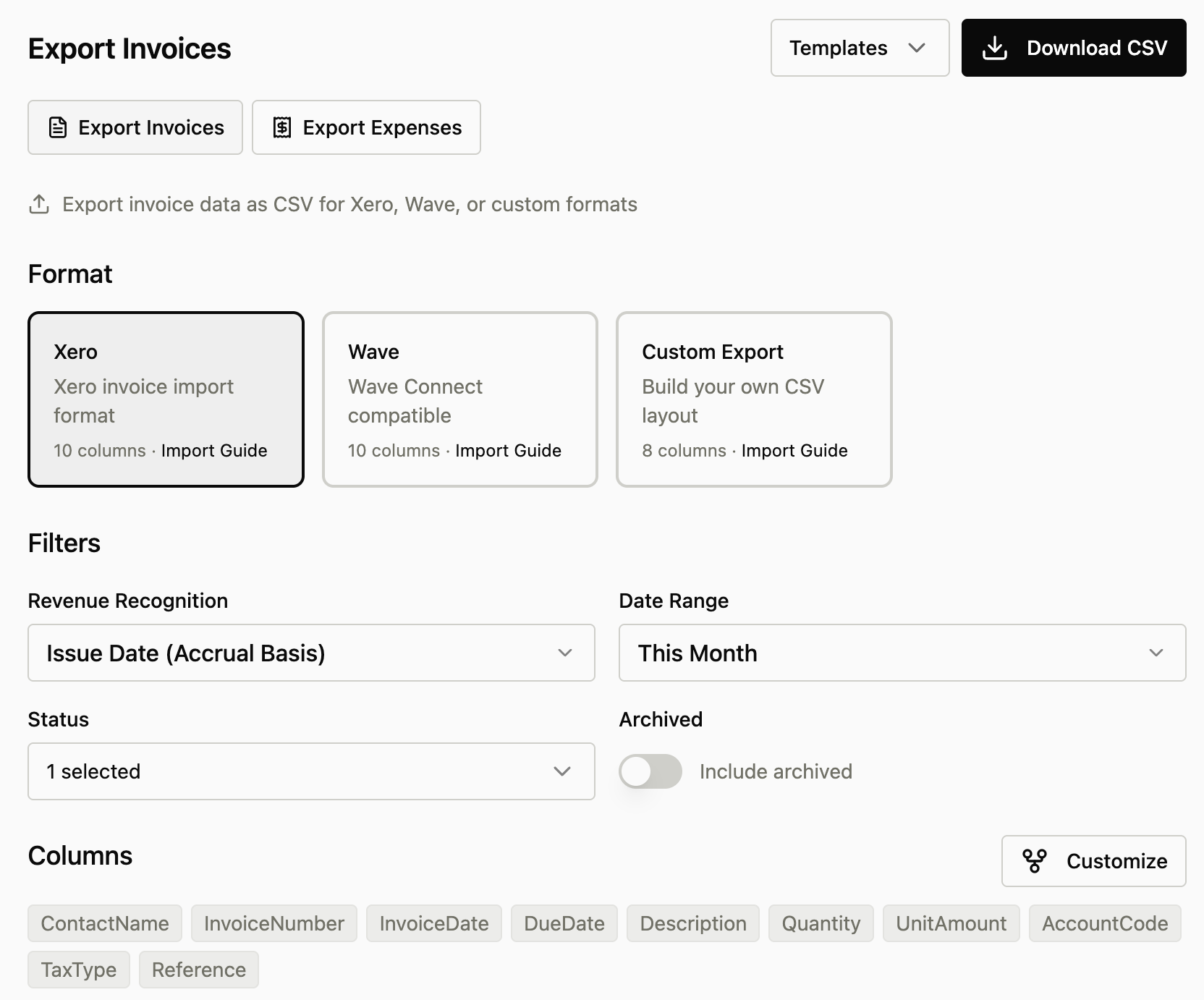
CSV Export Tool

Export invoices and expenses to QuickBooks, Xero, Wave, or create custom exports with full control over columns and formatting.

  • One-click presets for QuickBooks Online, Xero, and Wave
  • Customize any preset: fork to a custom format with fields pre-loaded
  • Flexible date filtering: issue date, due date, or paid date
  • Filter by invoice status, payment status, and archive state
  • Drag-and-drop column reordering with editable headers
  • Real-time preview before downloading
New Data navigation menu
The new Data dropdown groups Reports, Import, and Export

Reorganized Navigation

Access all data management tools from the new Data menu in the main navigation.

  • New Data dropdown groups Reports, Import, and Export
  • Quicker access to reporting and data tools
  • Cleaner navigation with related features grouped together
Custom field selector
Customize any preset with the field selector

Ready to get started with Every?

5,000 free AI credits

No credit card required